Your website
A proper website for your attraction that your own team runs. You fill in forms made for attractions, and the pages lay themselves out: no designer or developer needed.
Built from what you know about your park
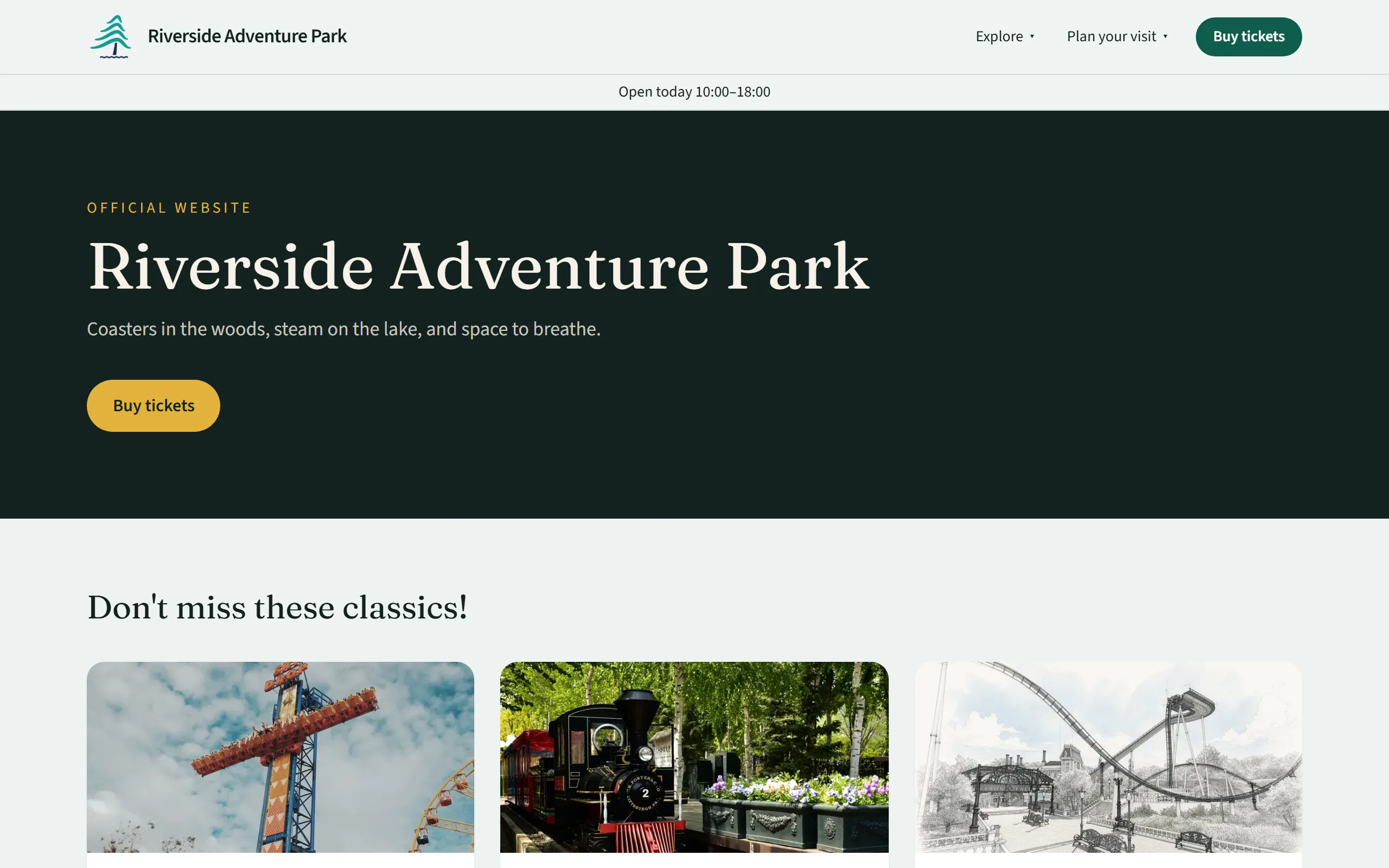
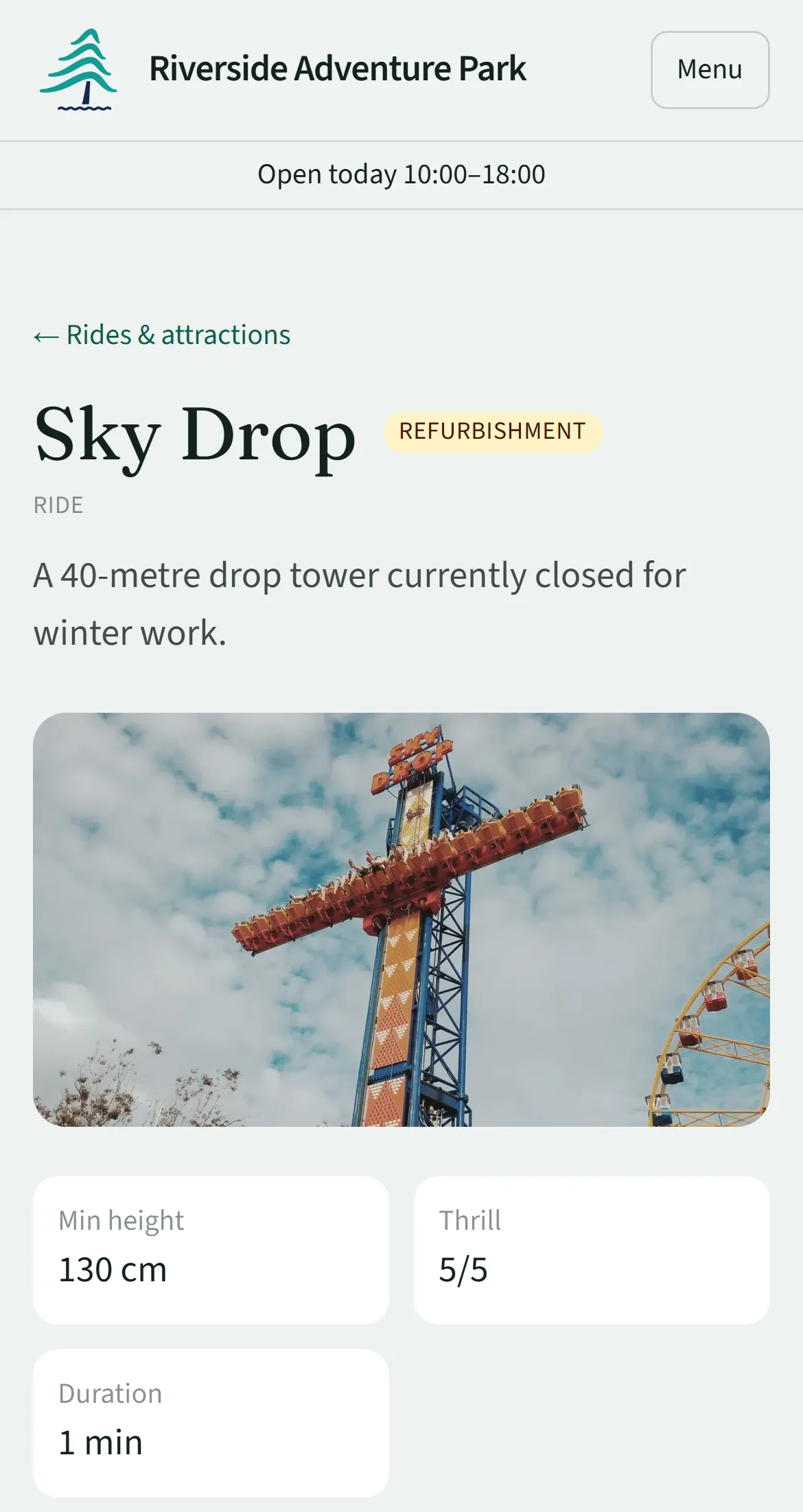
Each kind of content has its own form: attractions, food and drink, shops and facilities, events, opening hours, questions and pages. Fill in what you know and Parkstack lays out the pages, on phones and computers.
A part of the site with nothing in it yet stays out of the menus until you add something, so a new website never shows empty pages.
- Attractions with height limits, ride times, thrill level and wheelchair access
- A “How tall is your rider?” filter on the attractions list
- Events with their dates and showtimes, and what is on next
- Opening hours on a calendar, with special dates and last entry
- Today’s hours under the header on every page
- A park map, as a photo or a PDF
- Questions and answers in groups you choose
- About, accessibility and contact pages, with a message form that emails you
Your homepage, built from blocks
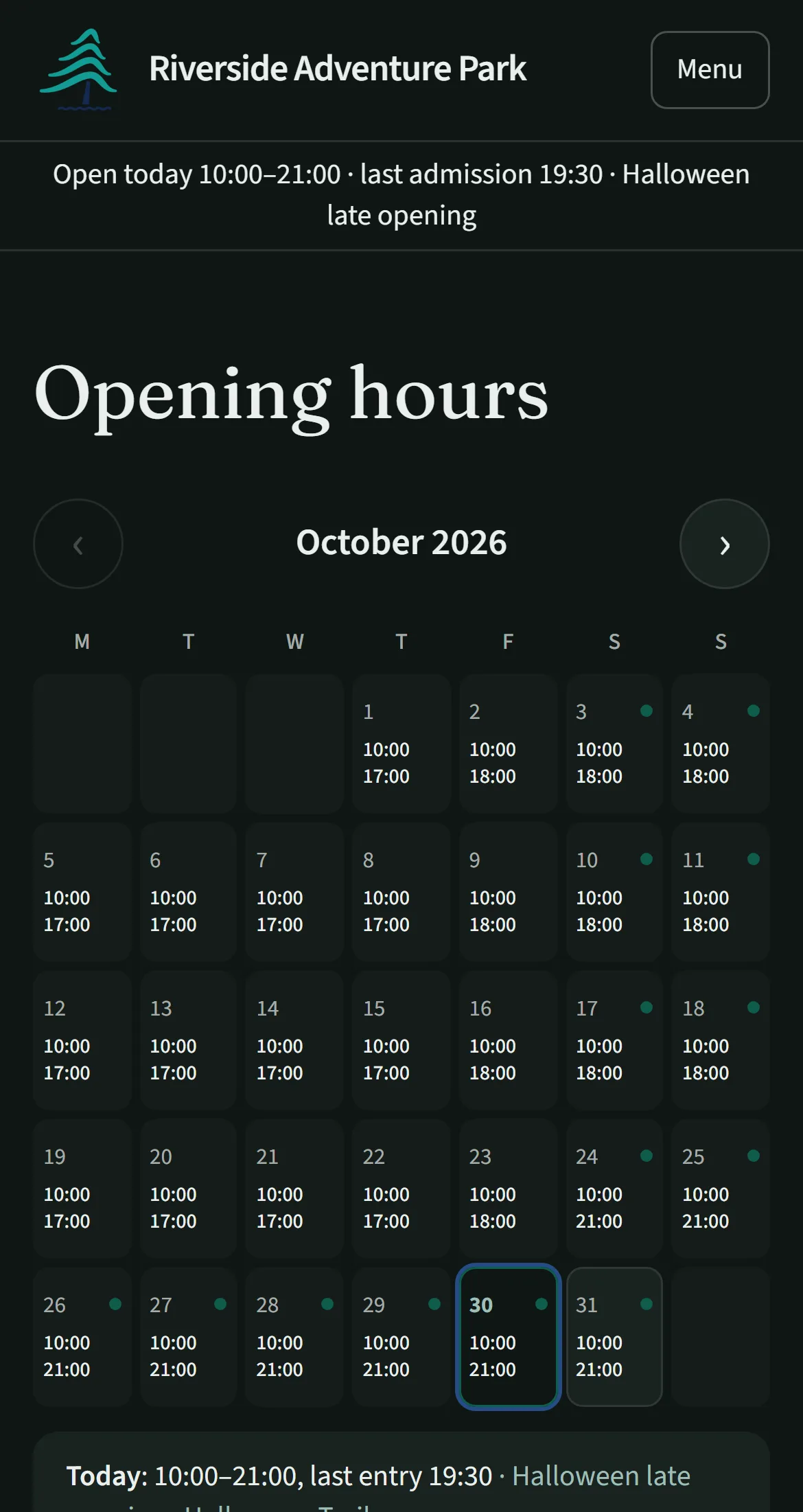
Build your homepage and your own pages from ready-made blocks: banners and slideshows, photos beside text, galleries, videos, featured attractions and events, ticket prices, awards and more.
A preview beside the editor shows the real page as you type, on a phone or a computer. Changes save privately as you go and reach guests only when you publish.
- Three starter designs to begin from
- Blocks fill themselves from your attractions, events and tickets
- Every published version kept, ready to load again
- Anything deleted kept for 30 days
Your look
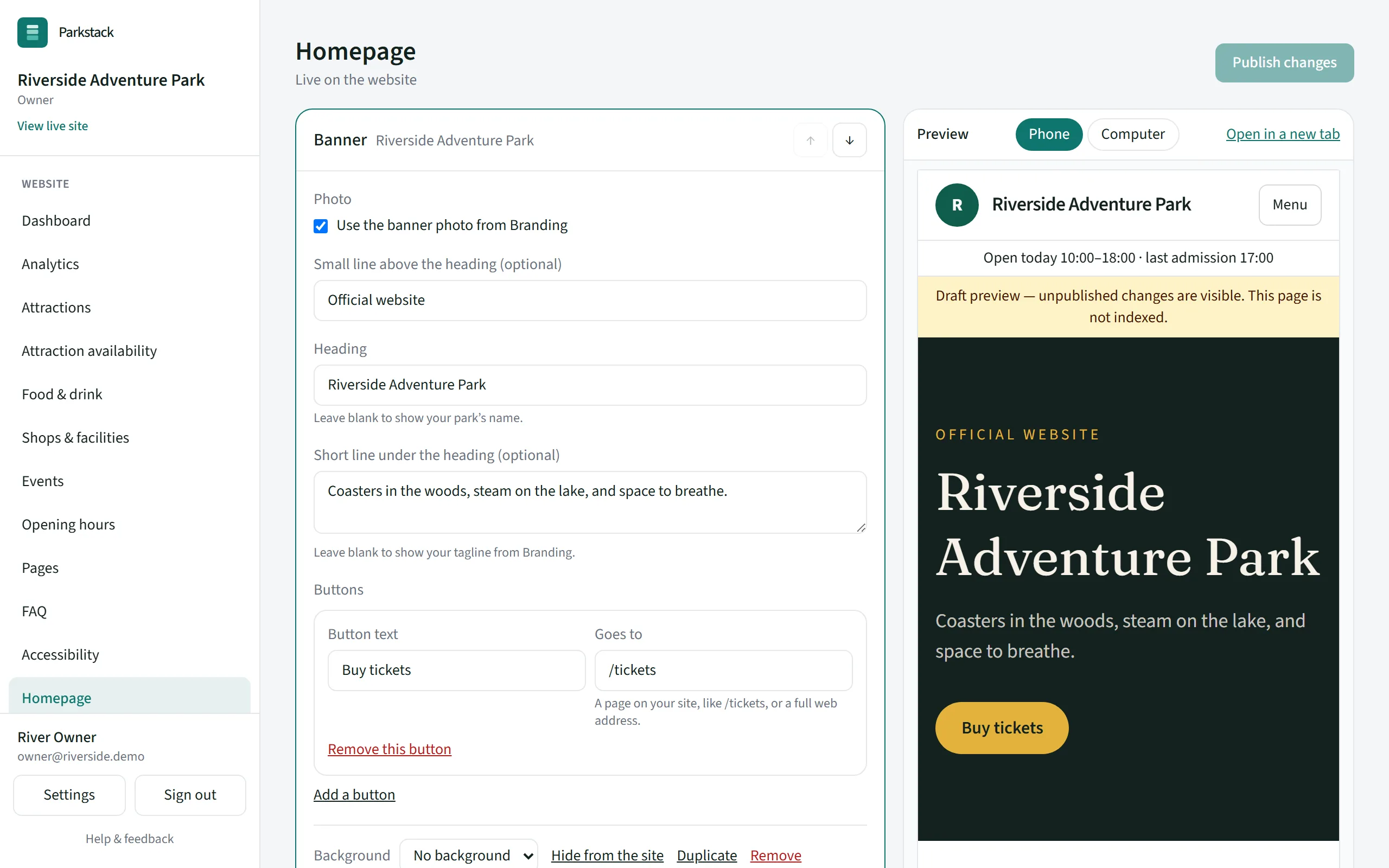
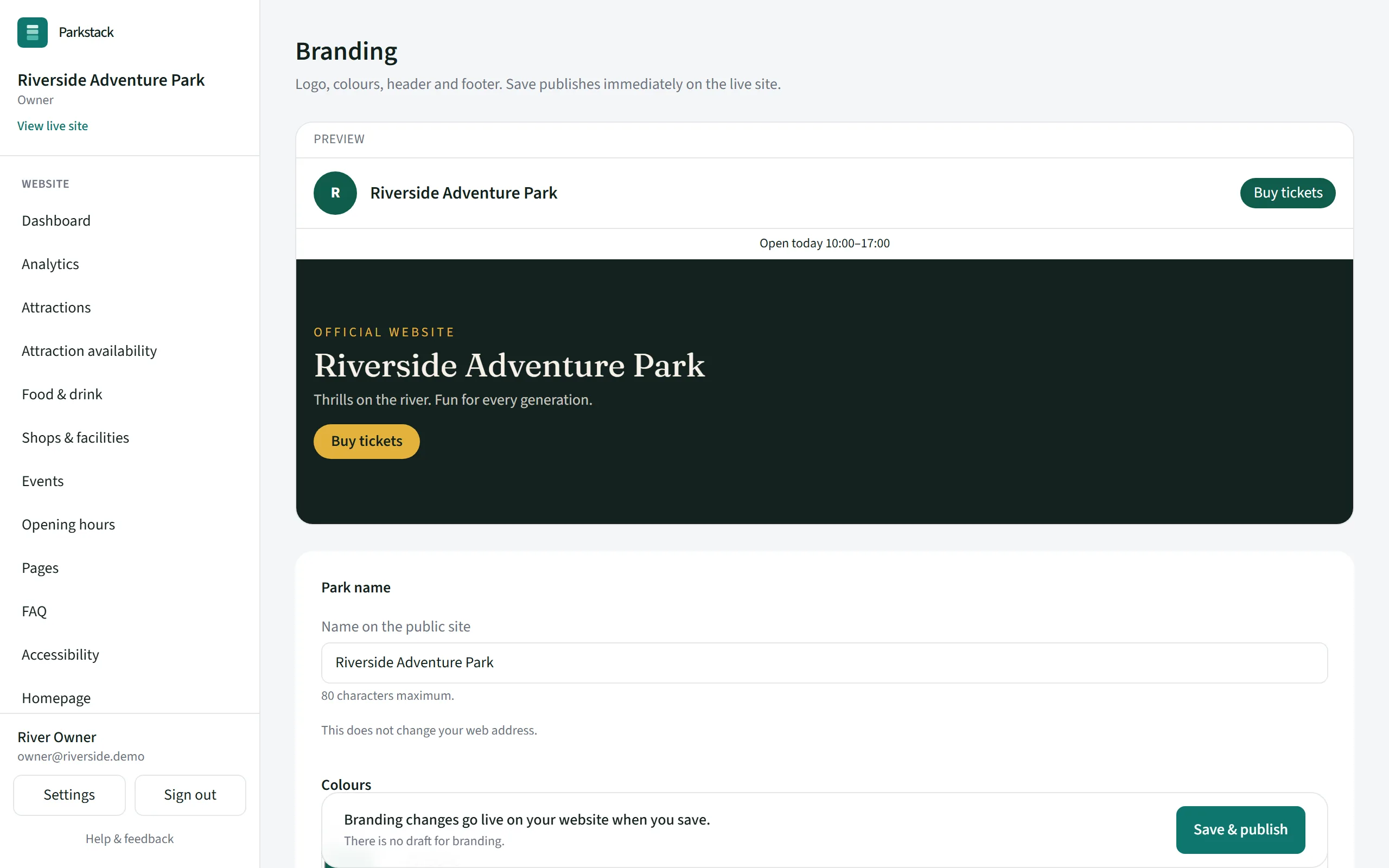
Guests see your park’s name, logo and colours on every page. Choose typefaces, header and footer colours and button shapes, and see the whole site change as you go.
- Your logo and colours, with a version of your logo for dark backgrounds
- Header, announcement bar and footer colours
- A dark night look, for the whole site or just a season
- Your logo in every size you need, made from one file
- Posters for opening times, events and ticket prices, ready to print
Posters are included with Professional. See plans
Changes go live when you say
Get next season ready in the quiet weeks. Publish a new ride or event at a set time, with a countdown on your homepage until it goes live, and switch to a seasonal homepage, such as Halloween, between dates you choose.
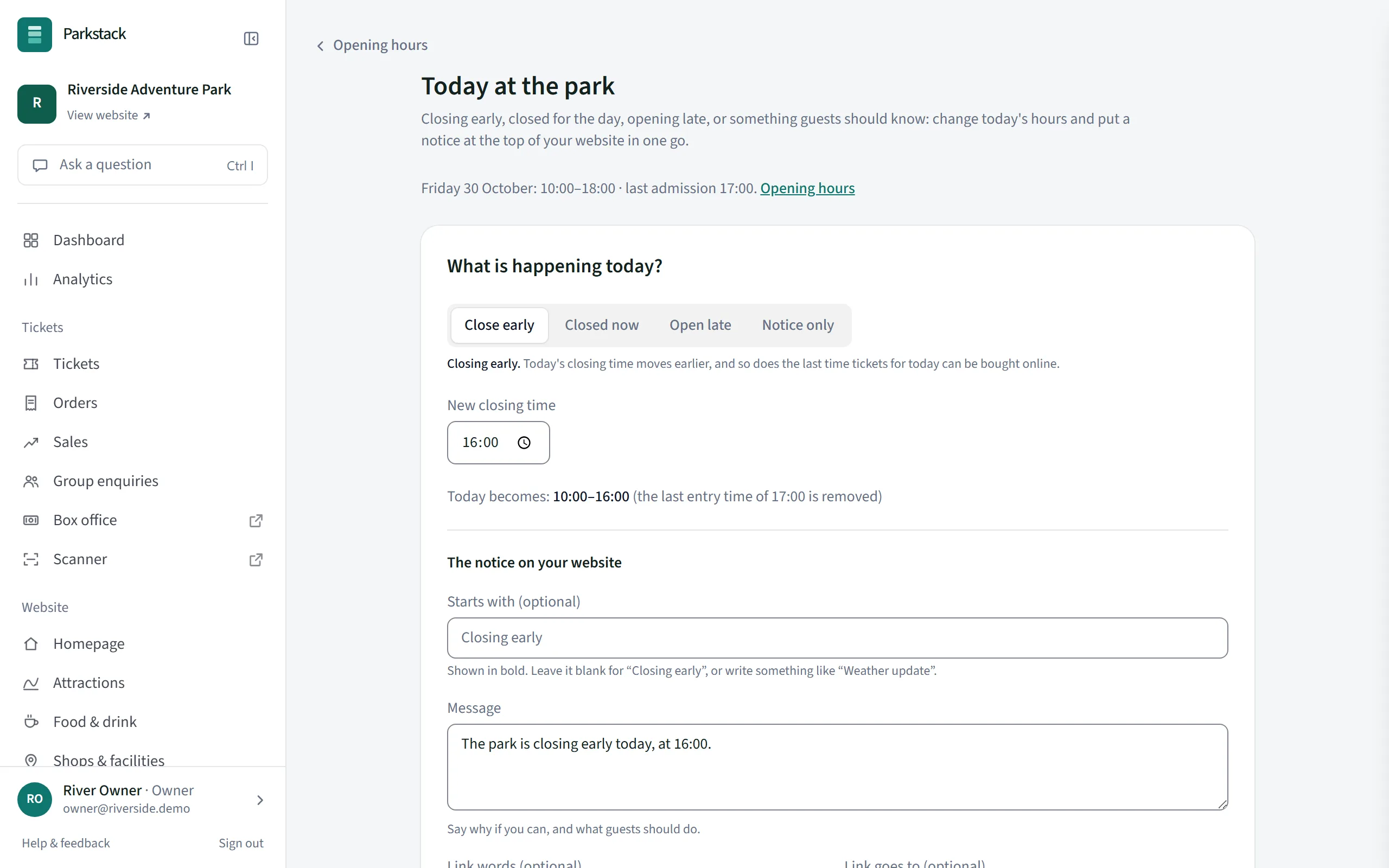
On the day, change today’s hours in one go: close early, open late or put a notice at the top of every page. The notice comes down by itself at the end of the day.
- Publish at a set time, with a teaser page until then
- A seasonal homepage between dates you choose
- Close early, open late or tell guests something today
- Take the website offline for a while, with your own message
Publishing at a set time and seasonal homepages are included with Professional. See plans
Found by search engines, at your own address
Your website starts at an address of ours, such as yourpark.parkstack.net, hidden from search engines while you set it up. Connect a web address you own, such as www.yourpark.co.uk, and choose when search engines may list it.
Parkstack tells search engines about your attractions, events and opening hours in the form they read, and lets you verify the site with Google Search Console.
- Your own web address, connected from the console
- Hidden from search engines until you choose
- A sitemap and search details kept up to date for you
- Old addresses sent to the new page when you rename something
Want something fully custom?
Most parks build their website in Parkstack. If you want a website or app designed from scratch, your agency can build it on the Parkstack API, and you still edit everything in Parkstack.
How-to guides
- Get started: what to do in your first hour
- Add your first attraction
- Build your homepage with blocks
- Change your logo, colours, header and footer
- Set your opening hours and special dates
- Get a seasonal homepage ready
- Close early, or tell guests something today
- Use your own web address, and let search engines list it
More of Parkstack
- Selling ticketsOnline tickets, vouchers, groups and refunds
- The gate and box officeScan tickets and sell on the day
- ReportsSales, website visits and your accounts
- Your team and your dataWho can do what, and keeping things safe